Corded straight handle tool
Suitable for fixed workstations and continuous operations, choose a screwdriver or tightening wrench around joints and rhythm.

INTELLIGENT TIGHTENING
From handheld tools to automated tightening spindles, bring precision control, process strategies and traceability to every assembly operation.
Discuss Your Application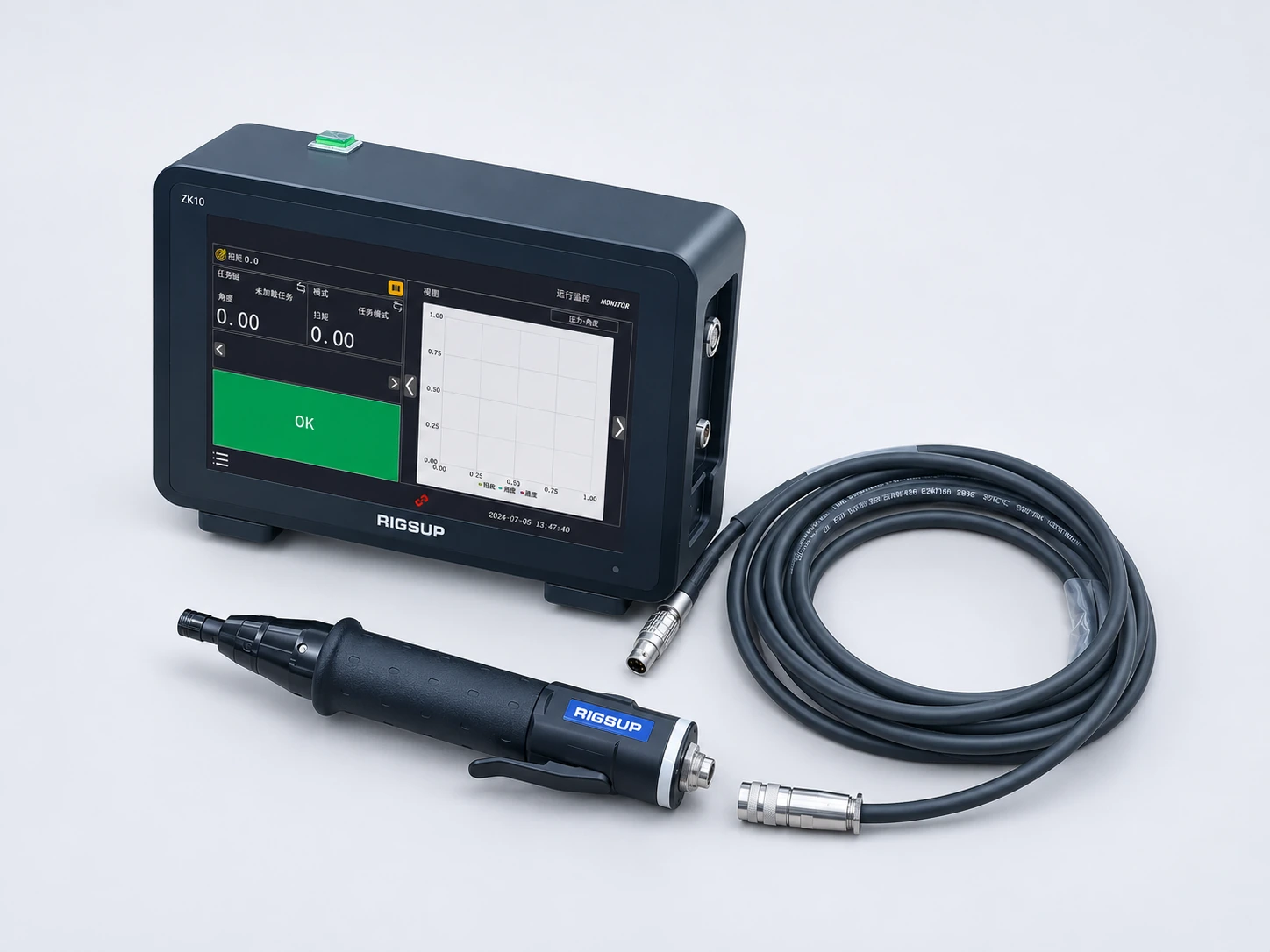
TOOLS · CONTROL · WORKSTATION
According to the joint, torque, operating posture and workstation space, select the tool shape, and then match the controller, screw feeding and auxiliary support. Consider not only the current process, but also changeover and routine maintenance.
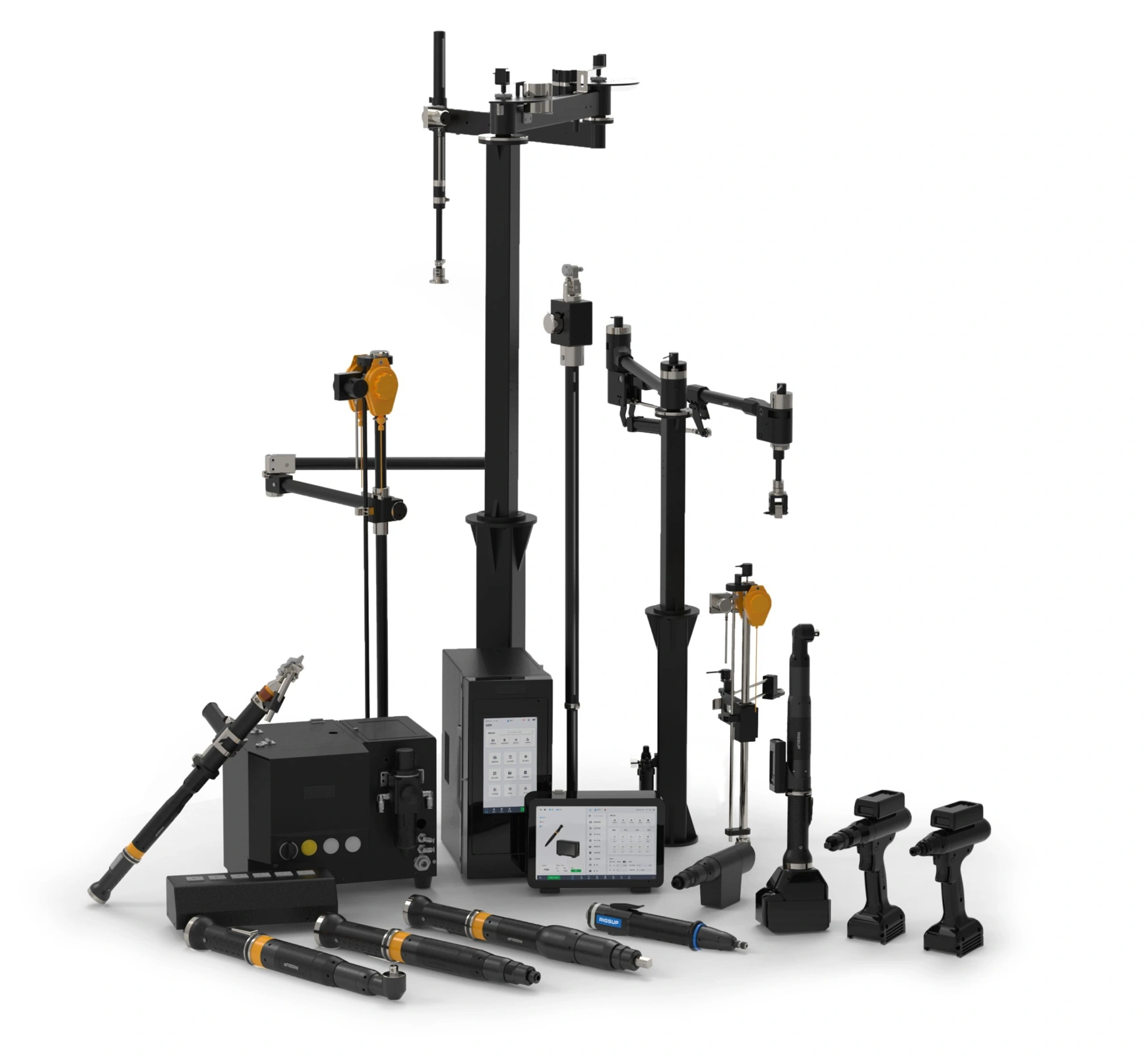
PRODUCT GALLERY
From straight handles, elbows to gun-shaped tools, to controllers and work stations, we communicate and select based on the actual connection process, usage space and operating habits.
WIRED TOOL FORMS
Compact straight handle appearance, discuss selection based on connectors, bits and on-site operating conditions.
The long body and front-end installation structure are combined with handheld or workstation integration methods to confirm the configuration.
Approach the connection location with an elbow, and evaluate the suitability based on the joint direction and accessible space.
TOOLS & CONTROLLERS
Consider matching tools, connecting cables and display controllers to facilitate viewing of work status.
The ZK9000 controller is matched with the R series tightening tools, and the workstation configuration is confirmed based on the installation location, operating habits and connection conditions.
ZK9000 can be directly connected to wireless gun type and wireless elbow tightening tools, and cooperates with operation strategy management, status viewing and workstation collaboration.
CORDLESS TOOL FORMS
Combine the holding method, connector position and workstation space to confirm the applicable tool and battery configuration.
The elbow, long body, display module and battery combination are combined with the approach direction planning operation.
Gun-type tools and top display modules are displayed in groups; specific models, connectors and matching ranges are confirmed according to usage requirements.
WORKSTATION ACCESSORIES & DETAILS
Confirm the workstation matching around screw incoming materials, supply methods and on-site air source conditions.
Centrally place different sleeves and bits, and configure them based on task switching and on-site management requirements.
The tool form and display module are displayed side by side. The specific model and configuration are confirmed according to the product information.
The above are actual shots and modified pictures of the products provided by the company. Appearance display does not represent size comparison; tool performance, controller compatibility and matching range are subject to the confirmed product plan.
ASSISTED TIGHTENING · PRODUCT INTERFACES
Intelligent balancer operation interface display: organize on-site operations around tasks, code scanning, job progress and results presentation.
Use task cards to organize work station content and help on-site personnel find corresponding tasks.
Enter the workpiece and task preparation process by scanning the QR code.
The current work link is presented with location indication and progress status.
Put torque, angle and position status in the same operator interface.
Screenshot of the product interface provided by the user. The data in the figure is for interface display only and does not serve as a commitment to product performance, yield, yield or specific project results; functions and configurations are subject to the confirmed product plan.
PRODUCT CAPABILITIES
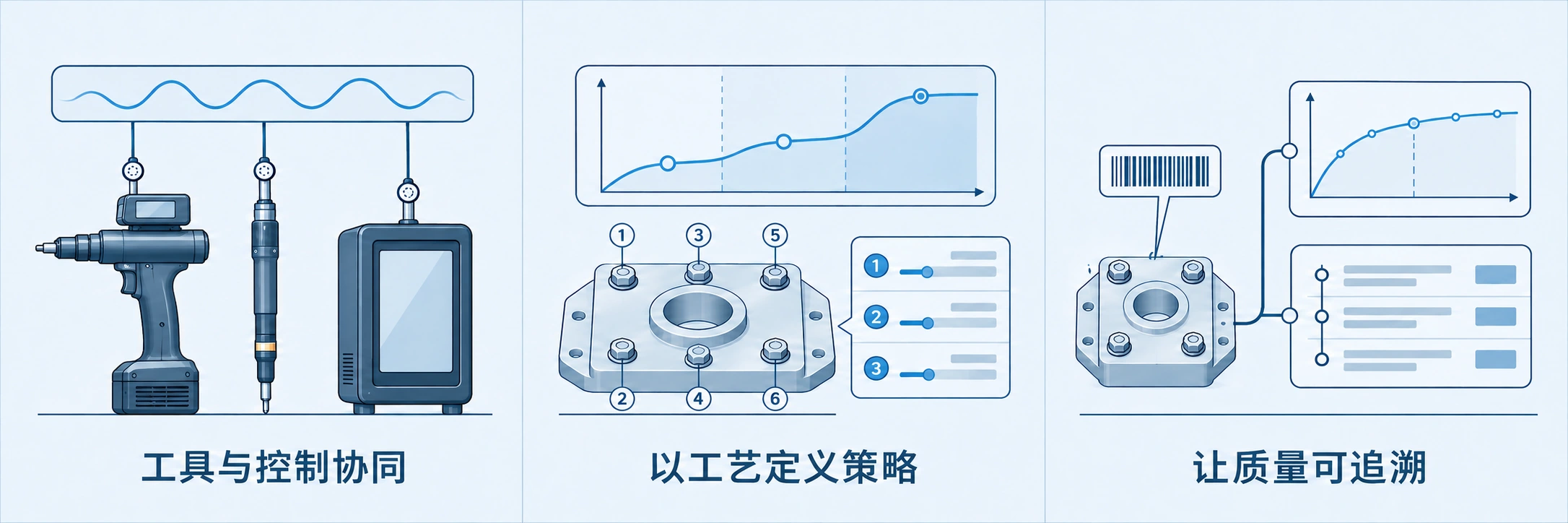
Coordinate handheld tools, tightening spindles and control systems for the different needs of manual workstations and automated cells.
Configure tightening strategies around fasteners, materials and assembly sequences, with attention to the full process and consistent results.
Record tightening results and process curves to support process review, quality analysis and production improvements.
PROCESS CONTROL · QUALITY RECORDS
From workpiece and task preparation to tightening execution, result determination and record query, operators are informed of the current progress and the process and quality teams find the basis for review.
Organize tasks around workpiece identification, work stations and assembly sequences, and configure scanning and program selection by project.
Set the torque, angle and multi-step strategy based on the joint and material requirements, and confirm the applicable conditions after test tightening.
Display result status, process curve and abnormal information; position and sequence error prevention need to be combined with corresponding station configuration.
Collect results, curves and equipment events to support historical query, reporting and trend analysis to provide a basis for on-site improvement.
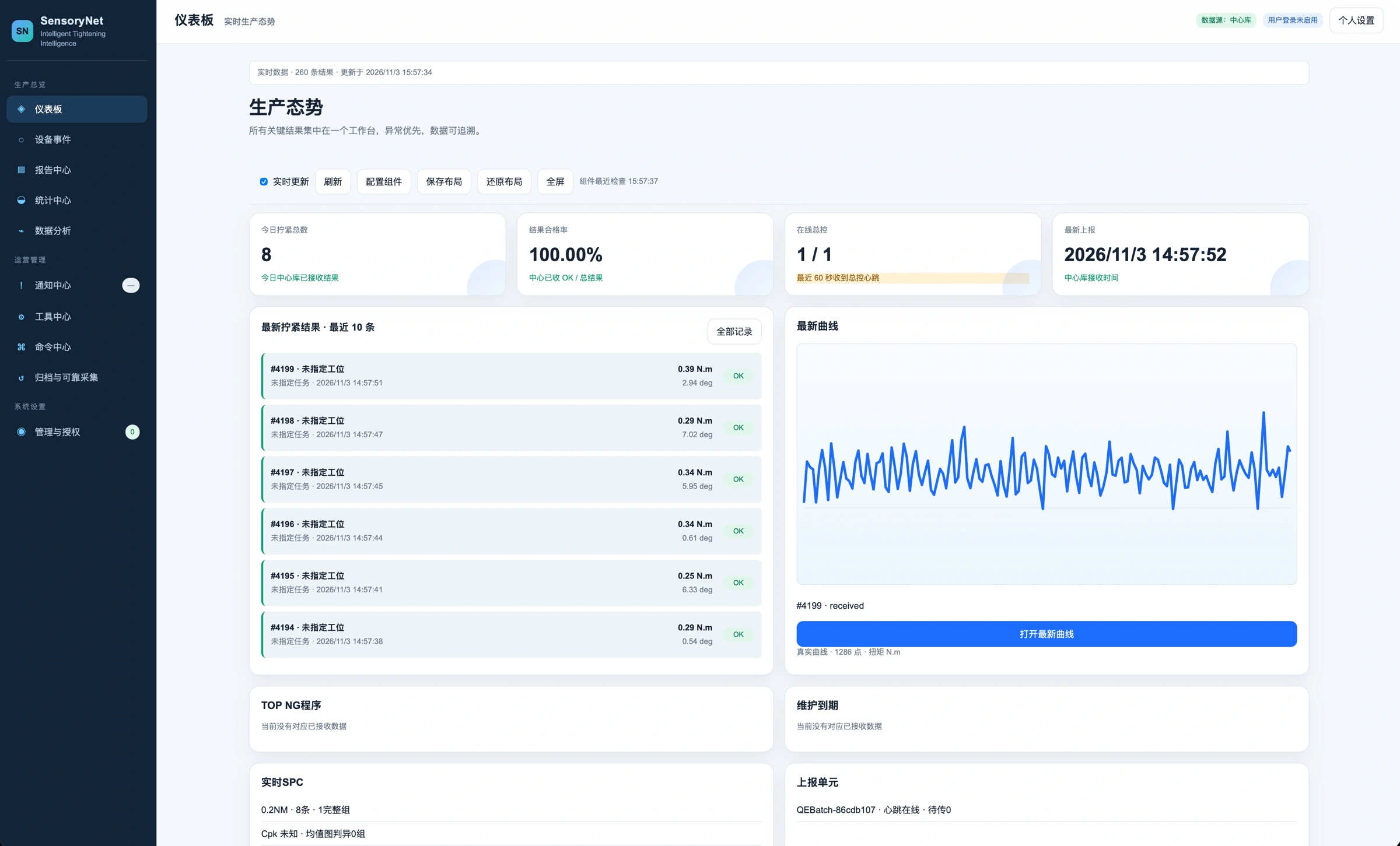
SensoryNet · SensoryCenter
According to the management and process control software functions in the brochure, data is organized around tasks, strategies, results and curves to facilitate product switching, exception tracking and reuse of similar processes.
On-site control and data interfaces are confirmed by project; collaboration with PLC, production lines and manufacturing systems can be discussed in conjunction with I/O, Ethernet, RS485, CAN and other connection methods.
Learn about industrial software and data platformsPlace current tasks, job status and results where operators can easily view them to reduce repeated confirmations.
Select the force arm, balancer and screw feeding method based on the reaction force and working range to improve the operating experience of repeated operations.
Consider tools, controls, tooling, consumables, calibration and maintenance together, and evaluate long-term value based on actual orders and cycle times.
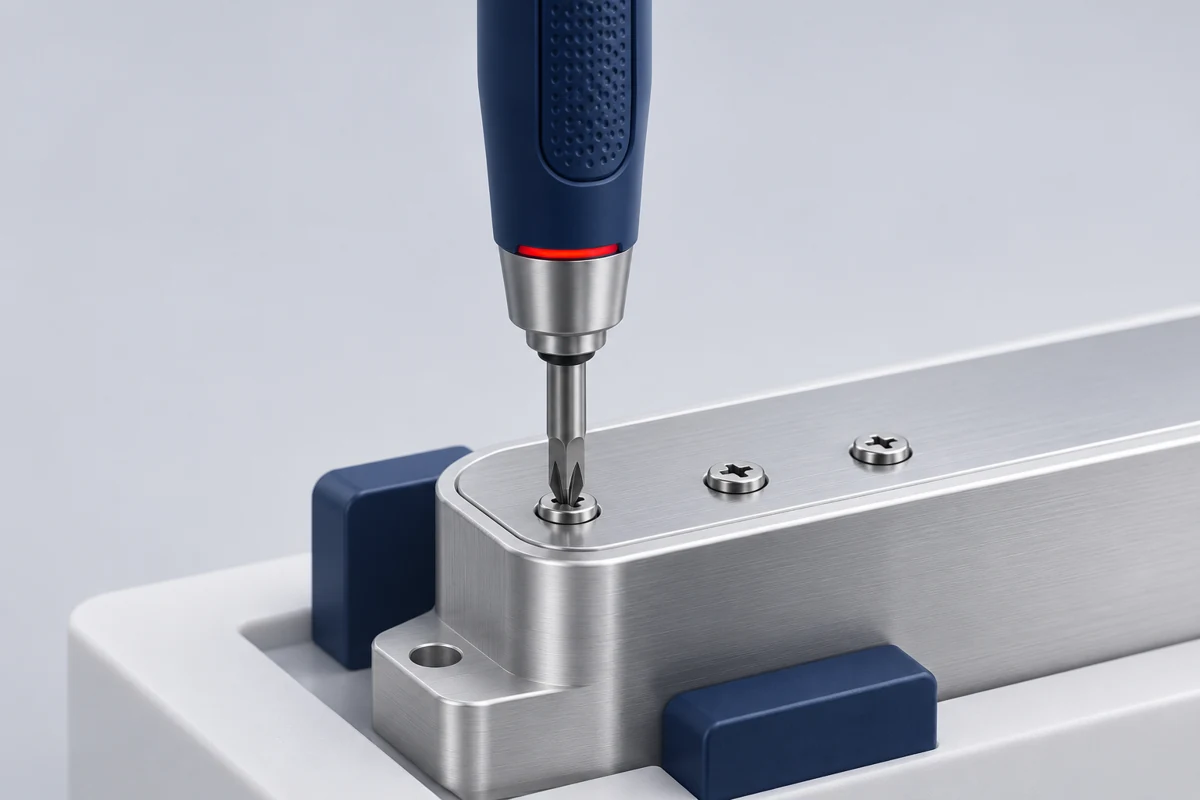
BUILT AROUND YOUR PROCESS
From handheld tools to automated tightening spindles, bring precision control, process strategies and traceability to every assembly operation.
Evaluate scenarios around actual artifacts, site conditions, and usage objectives, taking configuration and validation into consideration along with subsequent use.
Communicate application requirementsCONFIGURATION
Specific models, performance parameters and configurations are subject to project working condition verification and official product information.
Download the selection requirements listAPPLICATIONS IN PRACTICE
Four types of on-site photos provided by the company show tightening applications in different products and work stations. Customer and personnel names are displayed anonymously, and suitable product combinations are communicated around specific processes.
For automated tightening applications of new energy-related components, workstation actions are integrated with product flow planning tools.
Pay attention to joint consistency, equipment coordination and process records.In the manual assembly station, handheld tools, auxiliary supports and result interfaces are combined to facilitate repeated operations and status confirmation.
Focus on small connections, ease of operation and retention of results.Focusing on the assembly space and working posture of the machine body, evaluate handheld tools and work station matching, taking into account access to the workpiece and operational support.
Specific connection requirements and acceptance criteria are confirmed by project.Combined with component assembly and on-site commissioning in vehicle-related processes, the coordinated use of tools, auxiliary arms and control interfaces is demonstrated.
Pay attention to the scope of work, support methods and personnel collaboration.On-site photos are used to illustrate application scenarios and are not used to deduce the cycle time, yield or input recovery performance of specific products. Applicability and scope of delivery shall be confirmed based on the workpiece, process and site conditions.
CUSTOMER STORIES
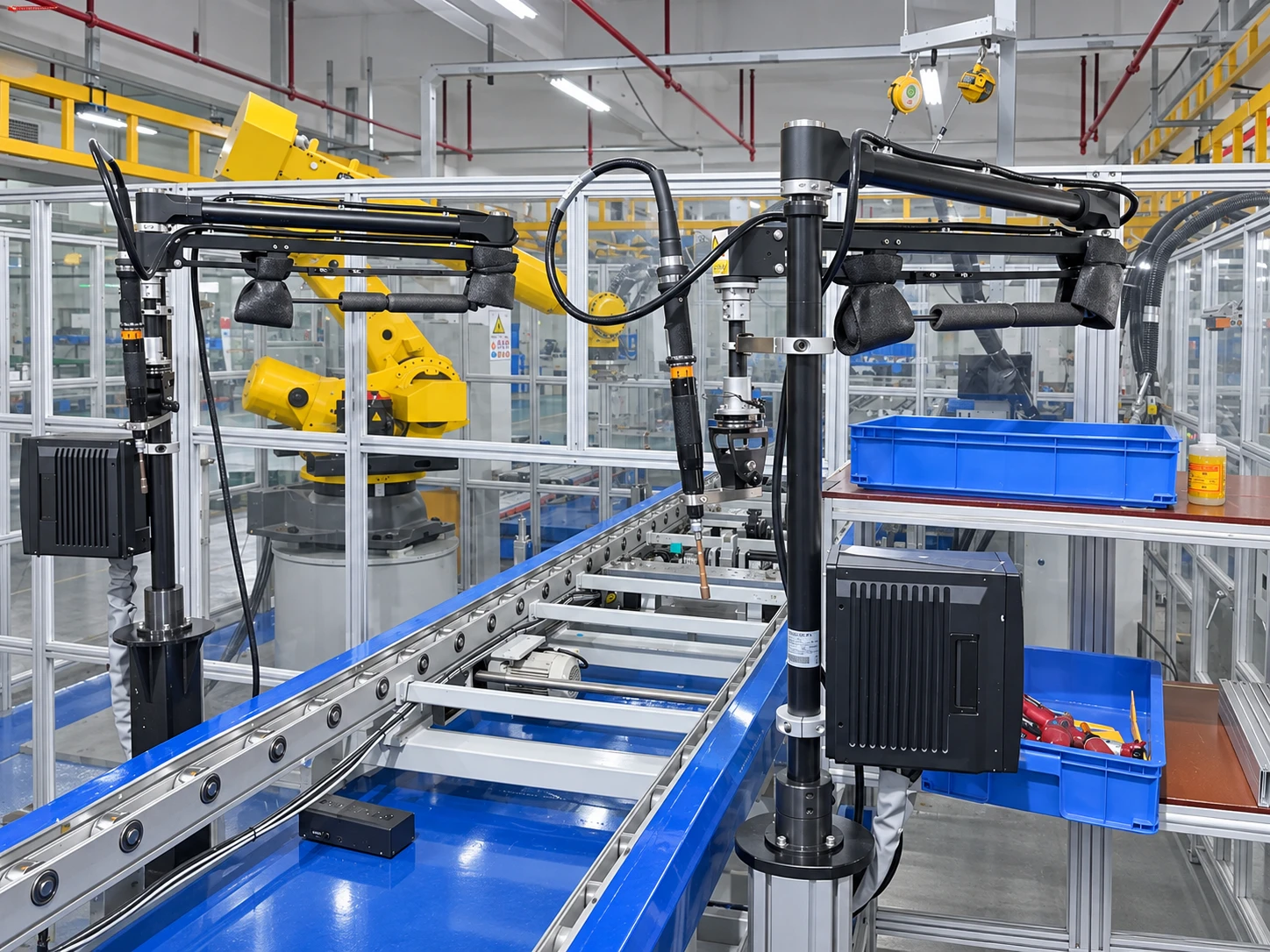 Automotive & New Energy
From working condition comparison and tool delivery, it extends to auxiliary support, workstation collaboration and on-site operations.
View application practices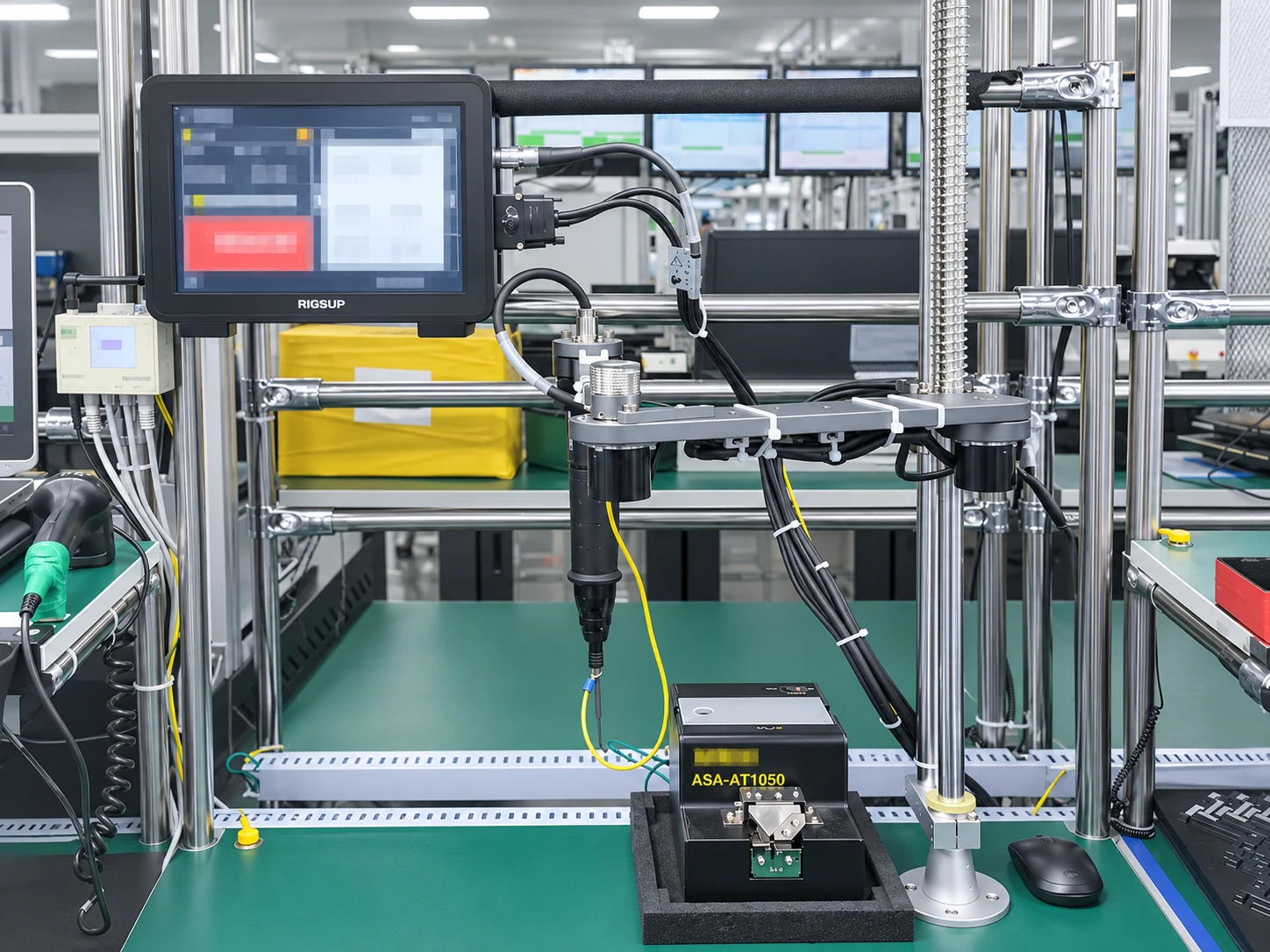 3C & Electronics
Organize the screw feeding, tool support and operating interface into the actual fastening workstation.
View application practices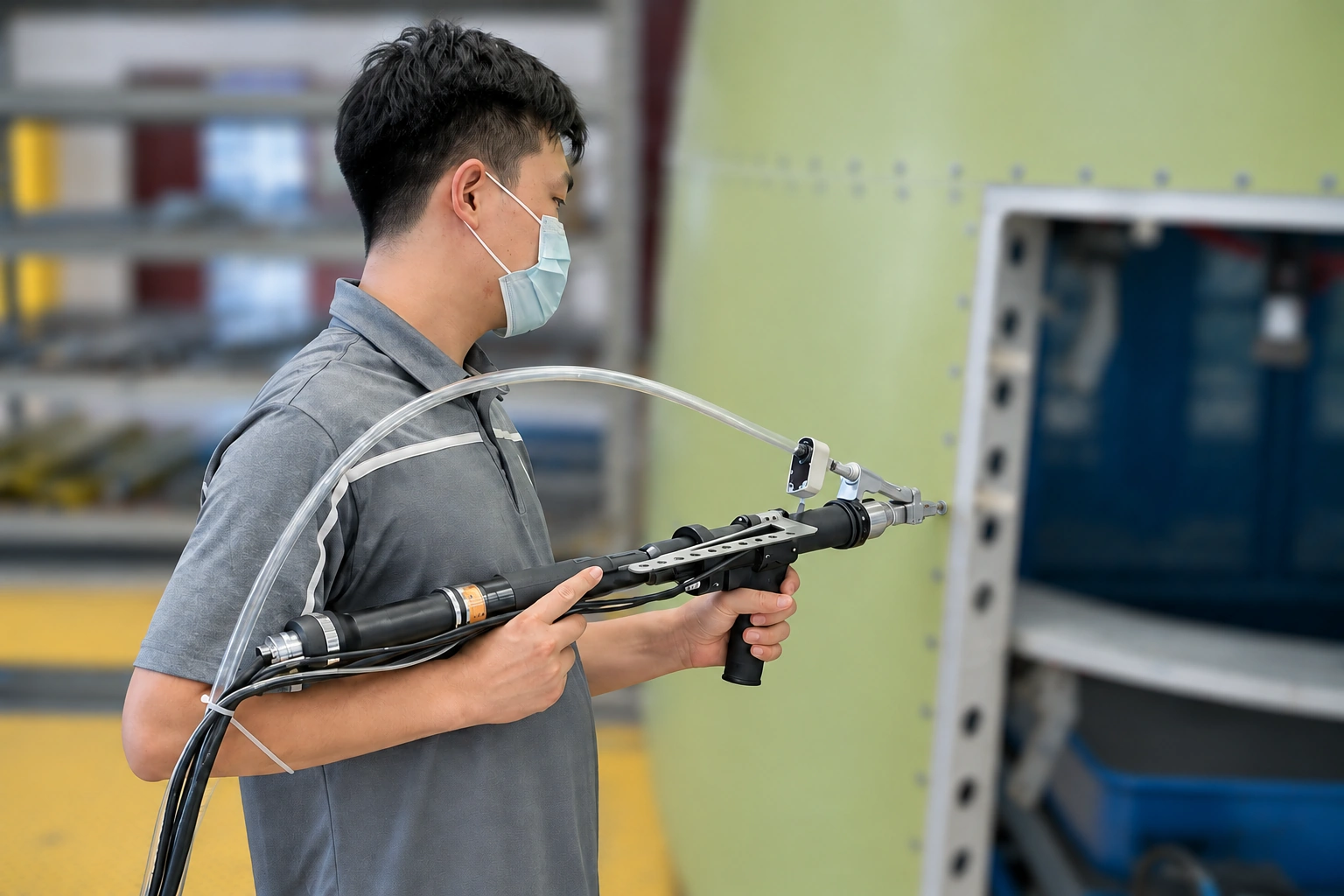 Advanced Manufacturing
In actual manufacturing scenarios, focus on tool accessibility, operating posture and on-site adaptation.
View application practicesENGINEER YOUR NEXT